I take a dozen screenshots a day. Bug reports, client feedback, blog posts, quick "look at this" messages. For years I paid a monthly subscription for a screenshot tool, and it was a good tool — but I never loved that every capture lived next to a cloud account, and I never loved paying rent on something I use like a pencil.
So I built my own. It's called Screo, it's a native macOS app, and since September 16 it's live on the Mac App Store.
This is the same instinct I wrote about in Soon Everyone Builds Their Own — except this time I didn't keep it to myself.
What it does
- Screenshots of an area, a window or the full screen, triggered by global shortcuts, with a quick-access tray to copy, save or drag the result out.
- Annotation — arrows, shapes, text, freehand, plus real pixel-level blur, pixelate and blackout for redacting things.
- Pin to screen — keep a screenshot floating above everything as a reference, with adjustable opacity and click-through.
- Screen recording of an area, window or display, with click highlighting, a camera overlay, trimming and GIF export.
- On-device OCR — pull text out of any screenshot without sending it anywhere.
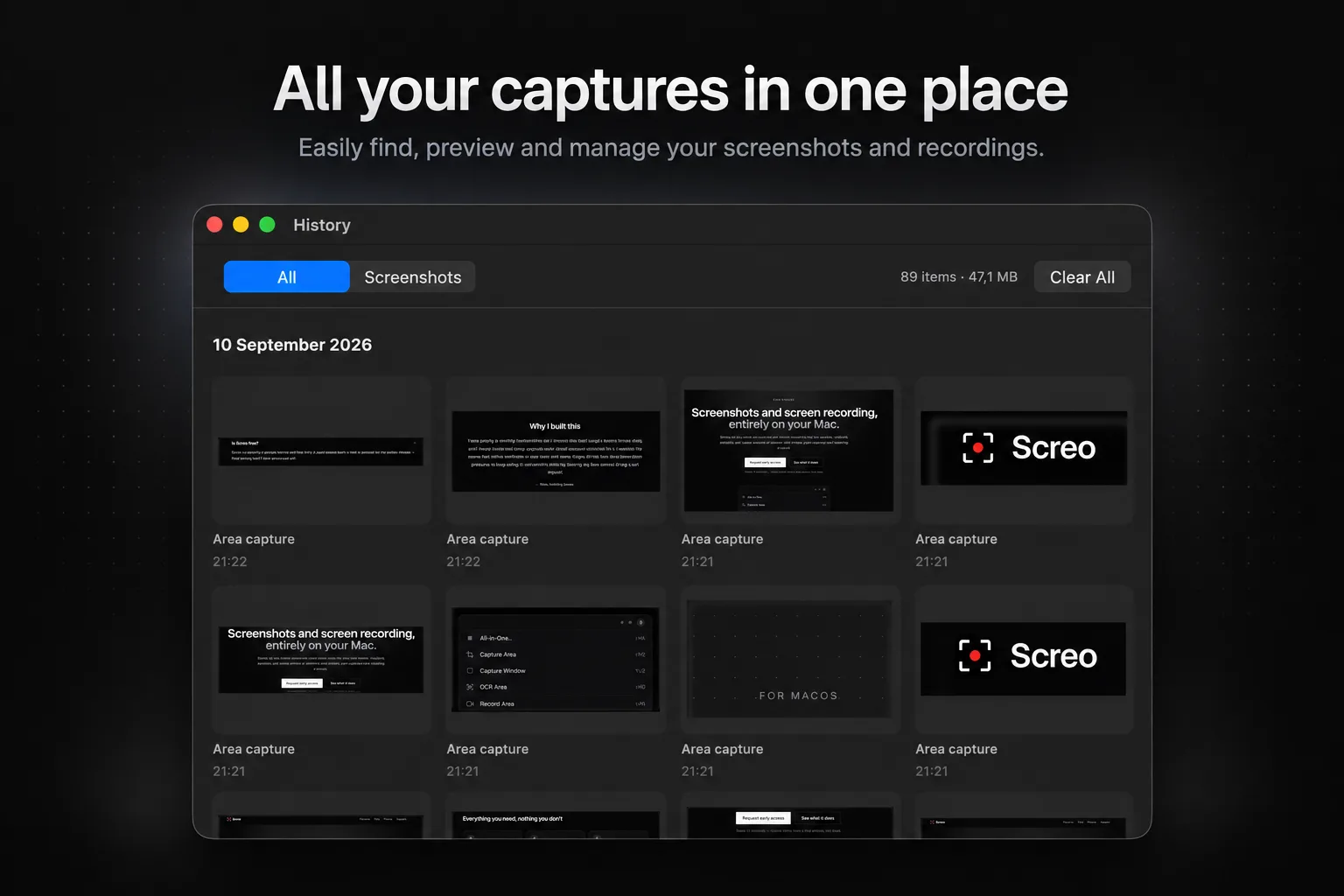
- Local history of every capture, with a retention policy you control.
No account, no cloud, no analytics in the app. The only thing it ever sends over the network is purchase validation.
Writing the code was the fast part
The first commit is dated August 16. With AI doing a lot of the typing, the entire roadmap — capture, annotation, pinning, OCR, history, recording, video tools — was implemented, compiling and passing tests within about a day.
It felt like cheating. It was also not an app.
"It builds and the tests are green" turned out to mean almost nothing for a tool whose whole job is reacting to a human dragging a crosshair across two monitors. The remaining month was everything that happens after the code exists.
Where the month actually went
Using it for real. The first sessions of actually using Screo found the bugs no test would: the quick-access tray appearing on the wrong monitor, the app stealing focus right after a capture, the first click being swallowed before the crosshair appeared. Each one tiny. Each one enough to make the tool feel broken.
The App Sandbox. The Mac App Store requires it, and a few things that are trivial in an unsandboxed app — global keyboard monitoring, writing to a fixed folder — need real rework once you're inside the sandbox. Not hard, just unglamorous.
The scrolling capture rabbit hole. Scrolling capture — stitching a long page into one tall screenshot — was the feature I wanted most. I spent an entire day on it and shipped six builds in a row. First Screo's own panel was sneaking into the frame. Then it captured on a timer instead of on real scroll events. Then tiny rendering noise broke the row matching, sticky headers tore the seams, and static sidebars got duplicated down the whole image.
I tested every build side by side with the tool I was replacing, and every build lost. I said some things to my AI pair-programmer that I won't repeat here.
Then I made the decision that actually shipped the app: cut it. The code is still in git history, and it may come back when it's genuinely good. But one half-working feature was holding eleven working ones hostage, and "ship what's solid, cut what blocks" got Screo out the door.
A paywall that actually gates something. Embarrassing one: RevenueCat was wired in and purchases went through fine — and unlocked nothing, because nothing ever checked whether you'd paid. I caught it before review, then built the real thing: a 7-day trial managed by the app itself, and a paywall that gates capture, recording and OCR while your existing screenshots, history and settings keep working no matter what.
Review. After all that, the review itself was the easy part. Submitted, and a few days later it was live.
Pricing, and the irony
Screo is free to download with every feature unlocked for 7 days. After that it's $19.99 a year, or $99 once for lifetime access.
Yes, I built this partly because I was tired of paying a subscription for a screenshot tool, and yes, Screo has a subscription option. The difference I care about is the choice: if you'd rather pay once and never think about it again, there's a button for that. And either way there's no account to lose, no cloud to depend on, and your screenshots never leave your Mac.
What's next
Mostly the unglamorous part again: real users, real feedback, and fixing whatever they find that I didn't. Scrolling capture is on the list for when I can make it good rather than just present.
If you take screenshots for a living — or just a lot of them — try Screo for a week. And if something annoys you, tell me. That's exactly how this app started.