
I've tested a lot of AI tools over the past couple of years. Most of them feel the same: a chatbot wrapper, a landing page full of "revolutionize," and three months later nobody talks about it anymore.
NotebookLM by Google is one of the few that actually stuck in my workflow.
Not because it's magical. Not because it's going to "replace your brain" (every other AI tool seems weirdly excited about doing that). It just does one thing well: it helps you work with your own sources — books, articles, PDFs, notes — and turn them into something you can actually use.
That's it. And that's exactly why I like it.
What it actually is
You upload sources. PDFs, articles, notes, links — whatever. NotebookLM reads them and lets you do useful things on top:
- Ask questions and get answers grounded in those specific sources (not in random internet noise).
- Generate summaries.
- Build infographics.
- Create slide decks.
- Run quizzes on the material.
- Generate an audio overview — basically a podcast-style discussion of your sources.
Key part: it's bounded by what you give it. So it doesn't just confidently make stuff up the way a generic chatbot will. It works inside your own little knowledge silo, and that makes it surprisingly trustworthy for learning.
I'll show three real ways I've been using it.
Example 1: Reading Nietzsche without losing my mind
I recently read The Antichrist by Nietzsche.
If you've ever tried reading philosophy, you know the drill: you spend 40 minutes on one paragraph, stare at the wall, and quietly wonder if you understood anything or just got older.
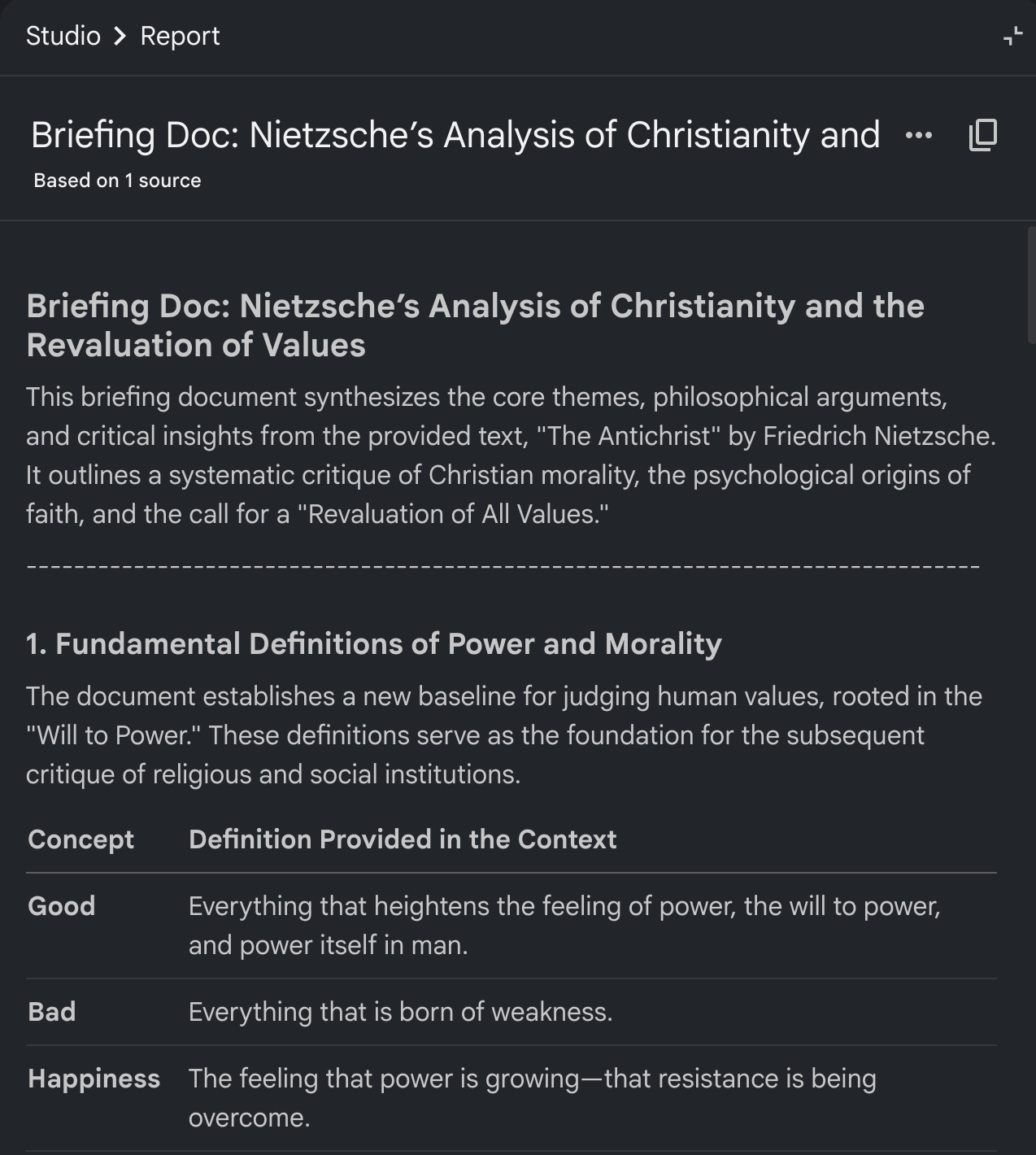
After finishing the book, I dropped it into NotebookLM and used it as a second pass. Here's what came out of one notebook:
A clean summary of the main ideas:
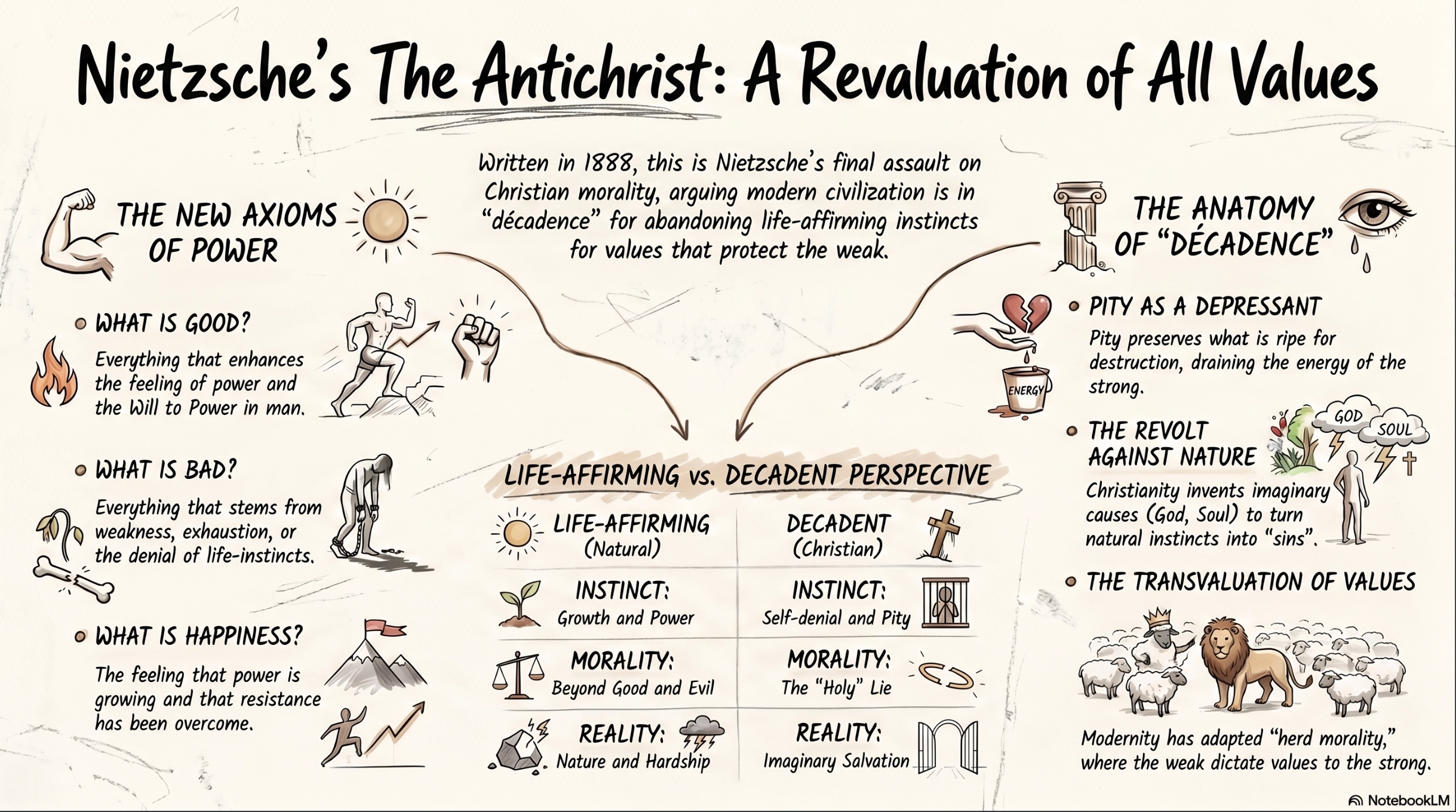
An infographic that visually connects the key concepts:
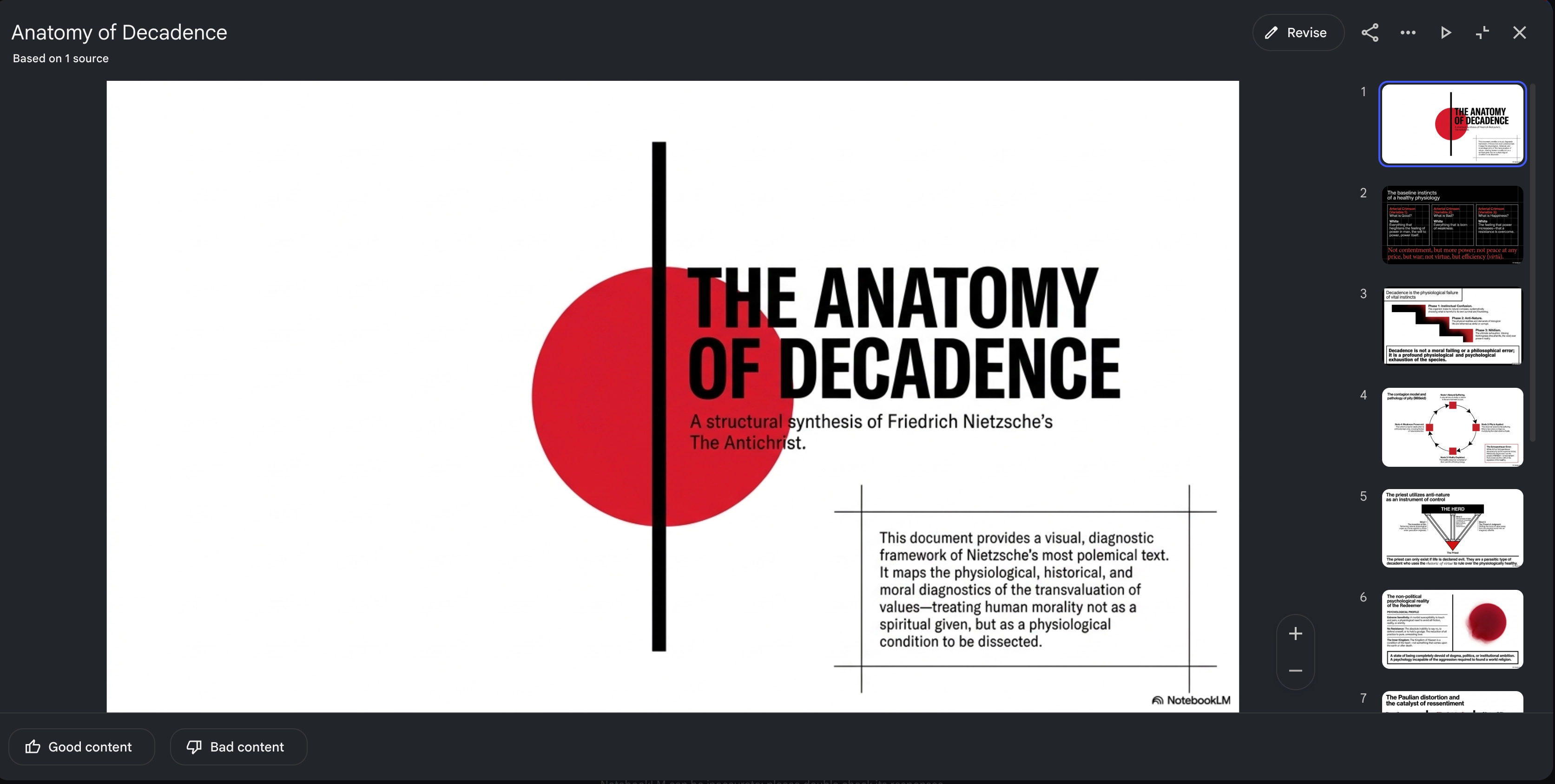
A presentation that turned the material into something I can actually review later:
A quiz to test whether I really understood it or was just nodding politely:
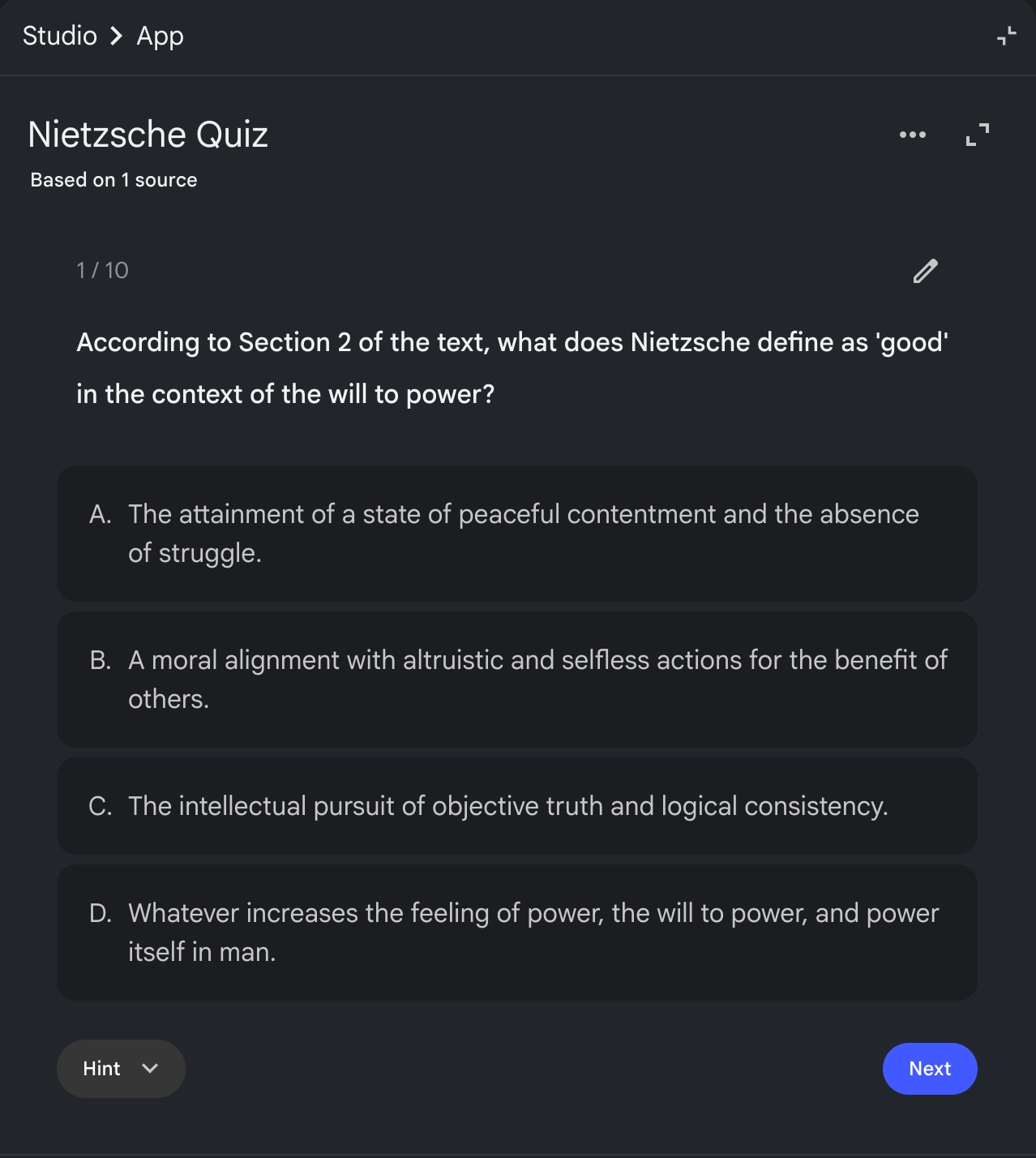
That last one matters more than it sounds. It's easy to finish a book and feel like you "got it." Then you try to explain it to someone and realize you remember about three sentences. The quiz cuts through that.
The flow now looks like this:
- Read the book.
- Generate a summary.
- Review the visual breakdown.
- Take the quiz.
- Actually remember the thing six months later.
This isn't replacing reading. The reading still happens. It's just adding a second layer on top — one that makes the content stick instead of evaporating the moment I close the book.
I'm doing this for every book now.
Example 2: Fixing my evening stretching routine
Less philosophical, more practical.
I have an evening stretching routine. Nothing intense, just enough to keep my body from slowly fossilizing at the desk. At some point I wanted to upgrade it — better exercises, better sequence, something I could actually follow without thinking.
Problem: the internet is full of stretching content. Random YouTube videos, conflicting advice, 47 "best stretches before bed" listicles that all somehow contradict each other. The issue isn't lack of information. It's the opposite.
So I used NotebookLM to collect the sources I trusted, ask it to extract and structure the useful parts, and turn the result into a step-by-step presentation I can follow.
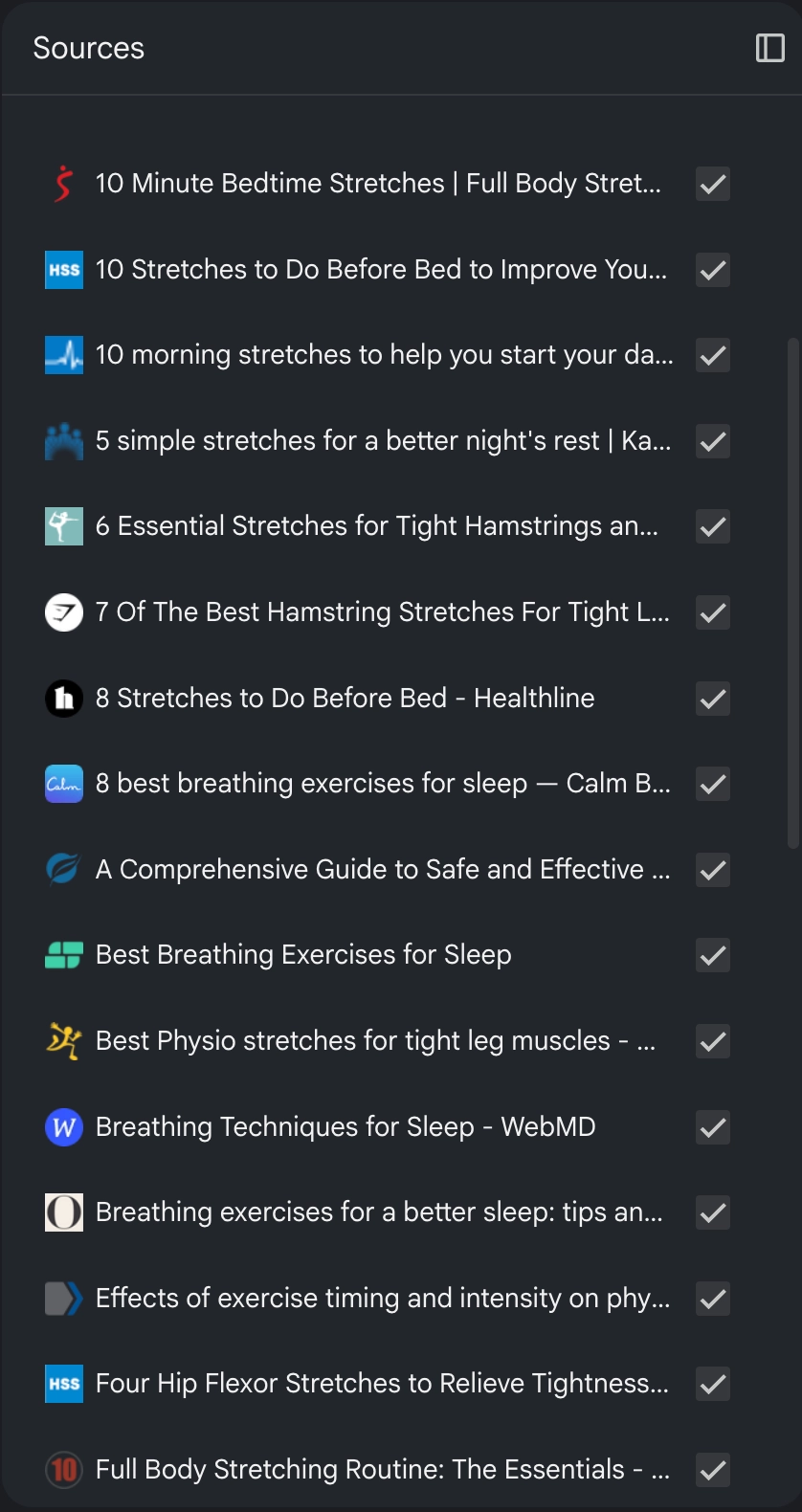
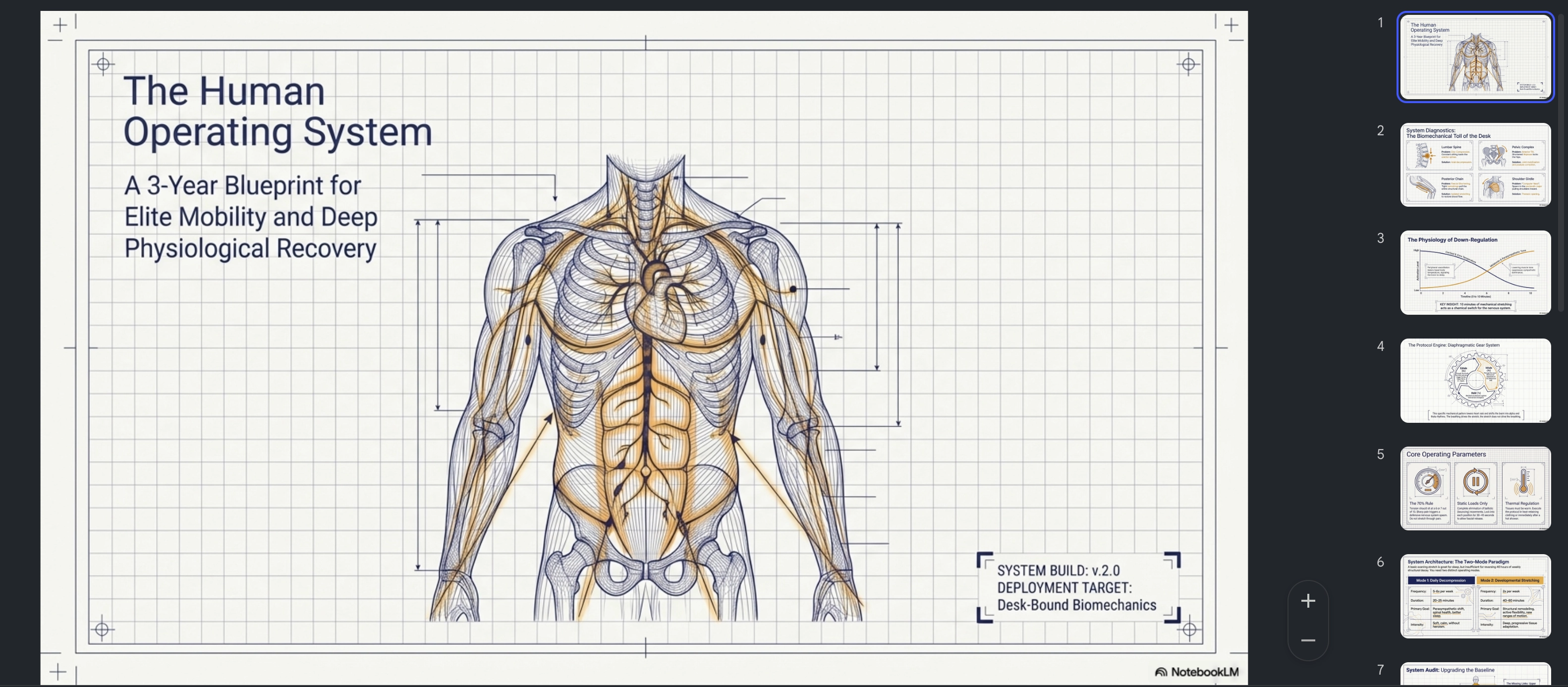
The output isn't "exercises." The output is a sequence: what to do first, how long to hold it, what comes next, what's gentle, what's intense.
That's the real value of this tool for me. It's not the information. It's the structure. It takes scattered stuff and turns it into something usable.
Example 3: Turning a source into a podcast
Sometimes I genuinely don't have time to sit and read.
Or — being honest — I do have time, but I'm walking to the store, doing dishes, training, or otherwise being a normal human with a body that requires ongoing maintenance.
NotebookLM's Audio Overview feature is great for this. You point it at your sources, it generates a podcast-style discussion (two AI voices going back and forth on the material), and you listen to it while doing something else.
I use it for:
- First exposure to a topic — get the lay of the land before deciding if it's worth deeper reading.
- Reviewing things I already studied — keeps the material warm.
- Filling in dead time without defaulting to scrolling.
It's not deep reading. I'm not pretending it is. But it's a much better way to spend a 30-minute walk than another doomscroll session that leaves my brain feeling like wet bread.
Why it actually works for me
Most "productivity" tools are built for an imaginary version of you that wakes up at 5am, journals under natural light, and operates with the calm focus of a Buddhist monk.
NotebookLM works because it fits actual life. The one with deadlines, distractions, fatigue, and a brain that's already running 12 tabs.
It gives me different formats for different moods:
- Summaries when I need clarity fast.
- Infographics when I want to see how things connect.
- Presentations when I want structure I can come back to.
- Quizzes when I want to check if I'm fooling myself.
- Audio when I want to keep learning while moving.
That's a small personal learning studio, not a chatbot.
Where it falls short
Worth saying clearly: it's not perfect.
The output still needs checking. It can oversimplify nuance. If your sources are weak, your summary will be weak — garbage in, neatly formatted garbage out. The audio overview voices have a recognizable rhythm that gets old after a while. And like every AI tool, it occasionally gets confident about something slightly wrong.
It's a tool. You still have to think. That part doesn't go away.
What I want to try next
I've barely scratched the surface. Things I want to use it for next:
- Researching topics for blog posts.
- Organizing project documentation.
- Building structured English learning materials.
- Turning long technical PDFs into something I can actually digest.
- Pulling together notes from multiple sources into a single coherent reference.
I'll get to them. Slowly.
Final thought
NotebookLM is boring in the best possible way.
It doesn't try to be your assistant, your therapist, or your second brain. It just helps you work with information you already care about, in formats that fit how you actually live.
In an era of AI tools screaming for attention, that quiet usefulness is rare.
I'll keep using it.