Introduction:
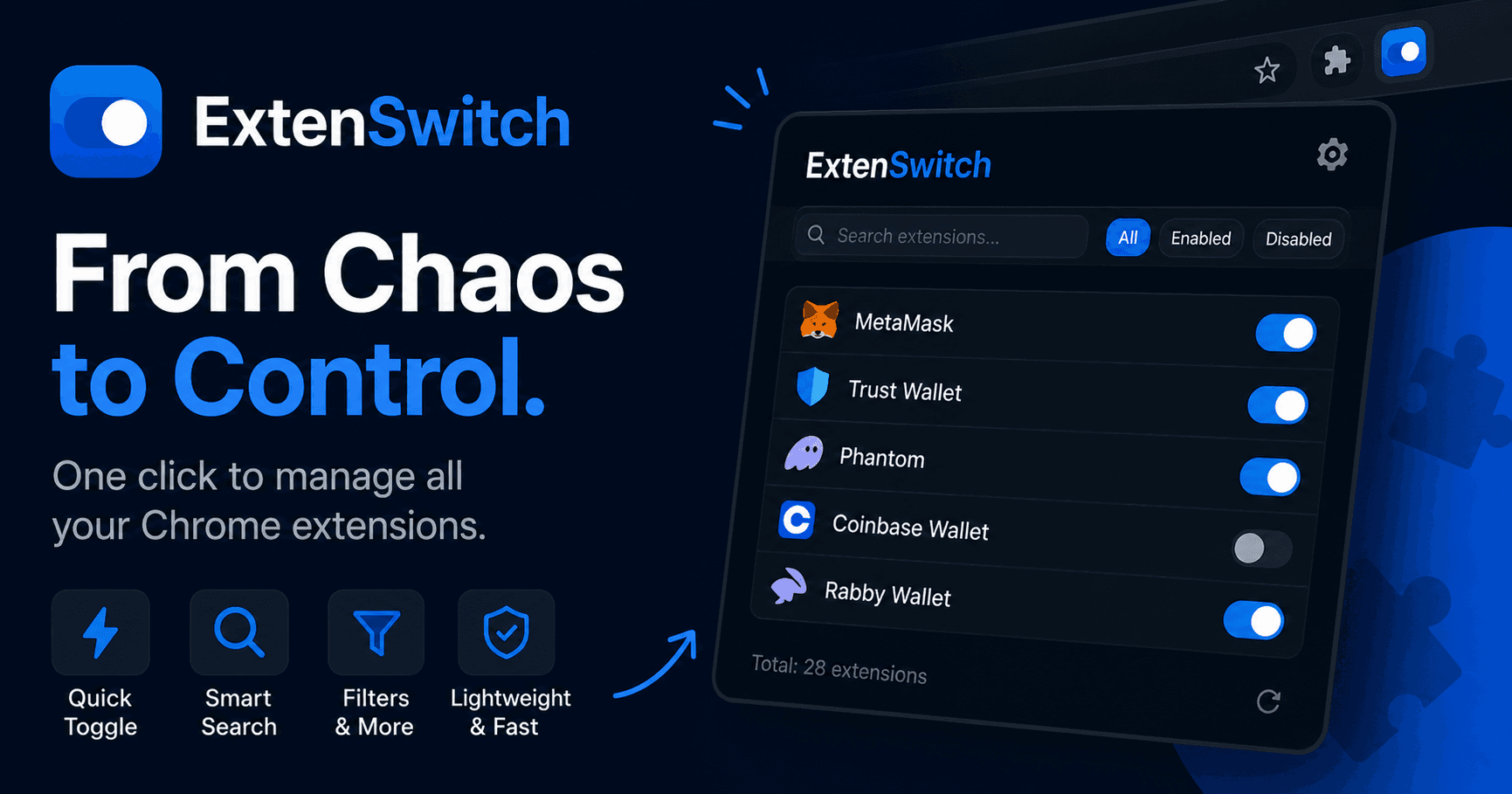
Managing a ton of Chrome extensions can be a real headache, especially when you're dealing with about 30 just for crypto wallets. It was a mess, and I knew something had to change. So, I decided to dive into some vibe-coding, and that's how ExtenSwitch came to life.
The Idea:
The inspiration for ExtenSwitch came from my own struggle with keeping track of a massive number of Chrome extensions. I was constantly toggling them on and off, which was both time-consuming and annoying. I wanted a tool that could streamline this process, letting me manage my extensions with just a click.
The Development Process:
- Research and Planning: I kicked things off by checking out existing solutions and figuring out what features would make ExtenSwitch stand out. The aim was to create a clean and intuitive interface that would make managing extensions a breeze.
- Technology Stack: ExtenSwitch is built using pure JavaScript, HTML, and CSS. By steering clear of frameworks, I kept the extension lightweight and fast, ensuring a smooth user experience.
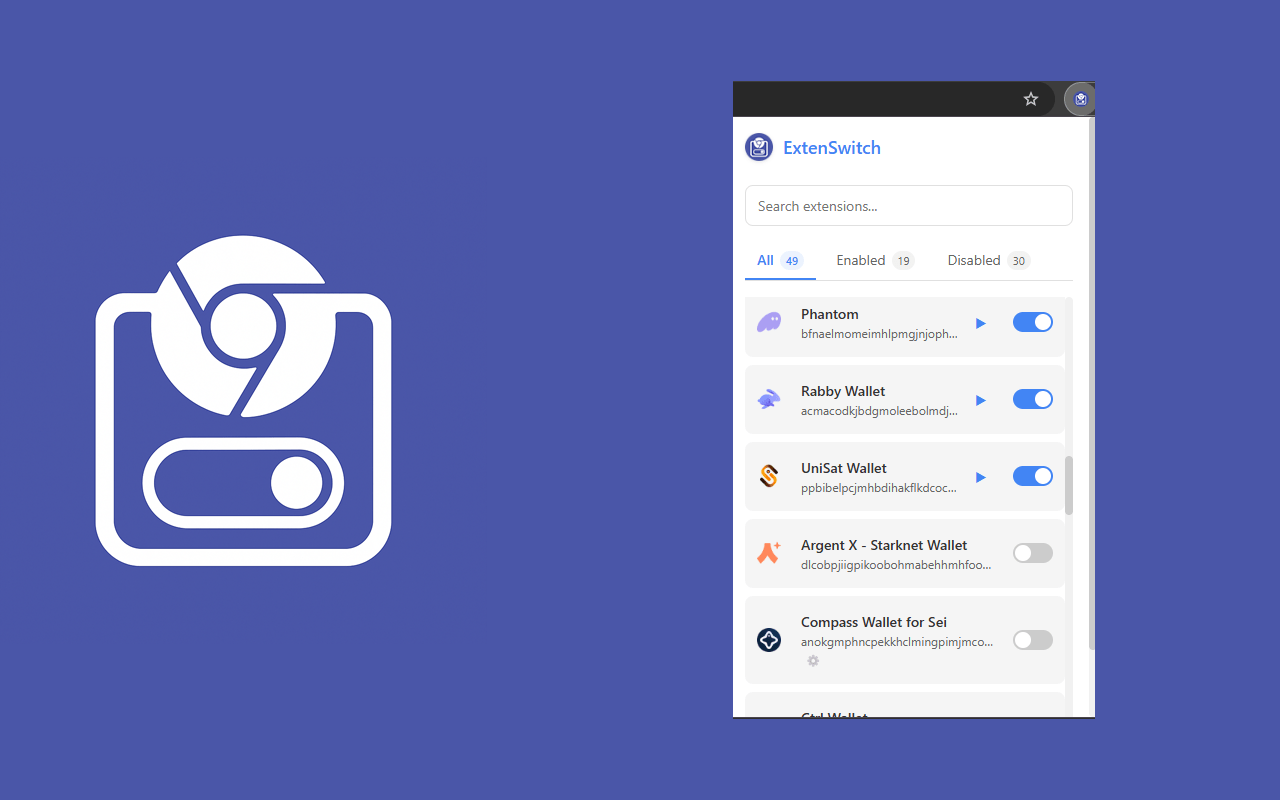
- Key Features: ExtenSwitch's core features include a quick toggle for enabling/disabling extensions, smart search for finding extensions by name, and convenient filters to view all, enabled, or disabled extensions. Each feature was crafted to enhance the user experience and make extension management effortless.
- Design and User Interface: I focused on creating a modern and minimalist design. User feedback was crucial in refining the interface to ensure it was both functional and aesthetically pleasing.
- Testing and Debugging: The development process involved rigorous testing to identify and fix bugs, ensuring that ExtenSwitch performed optimally under various conditions.
Future Plans:
Looking ahead, I plan to introduce a dark theme for better night-time usage, extension grouping for improved organization, hotkeys for quick access, and localization to support multiple languages.
Conclusion:
ExtenSwitch transforms the way you manage Chrome extensions, making it simple and efficient. I invite you to try it out and share your feedback. Your input is invaluable as I continue to improve and expand the extension's capabilities.
Call to Action:
Update: ExtenSwitch is live on the Chrome Web Store and has quietly grown to around 5,000 active users — more than I ever expected from a tool I built for my own crypto-wallet chaos. There's also a small landing page at extenswitch.m-b.app.
This post captures the essence of ExtenSwitch's development journey, highlighting the challenges, solutions, and future aspirations.